Document rental inspections clearly.
Rent Check helps tenants and landlords record property details, utility readings, monthly fees, room-by-room inspection results, issue notes, and photo evidence — then generate a complete PDF report.
Available for iPhone. App records and generated report files are stored locally on the device by default.
Everything needed for a practical handover check
Use a structured flow to reduce missed details and keep a clear record for later confirmation.
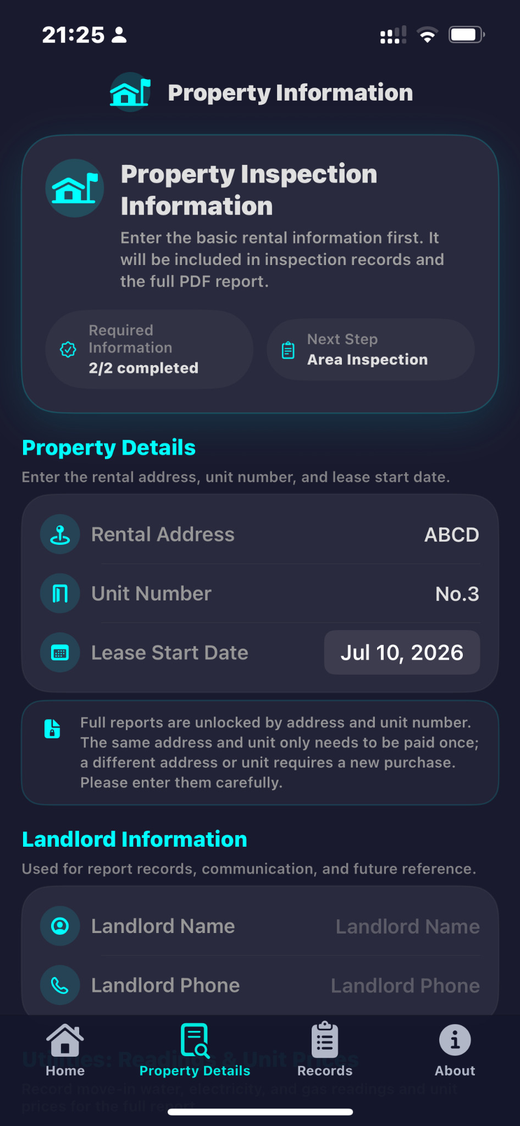
Property details
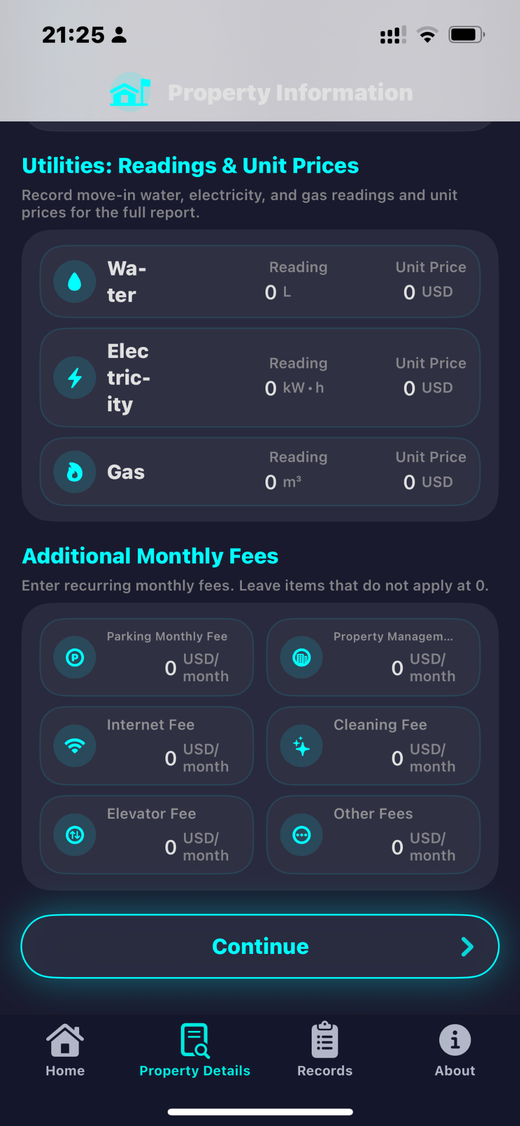
Record address, unit number, lease date, landlord contact details, utility readings, and monthly fees.
Area inspection
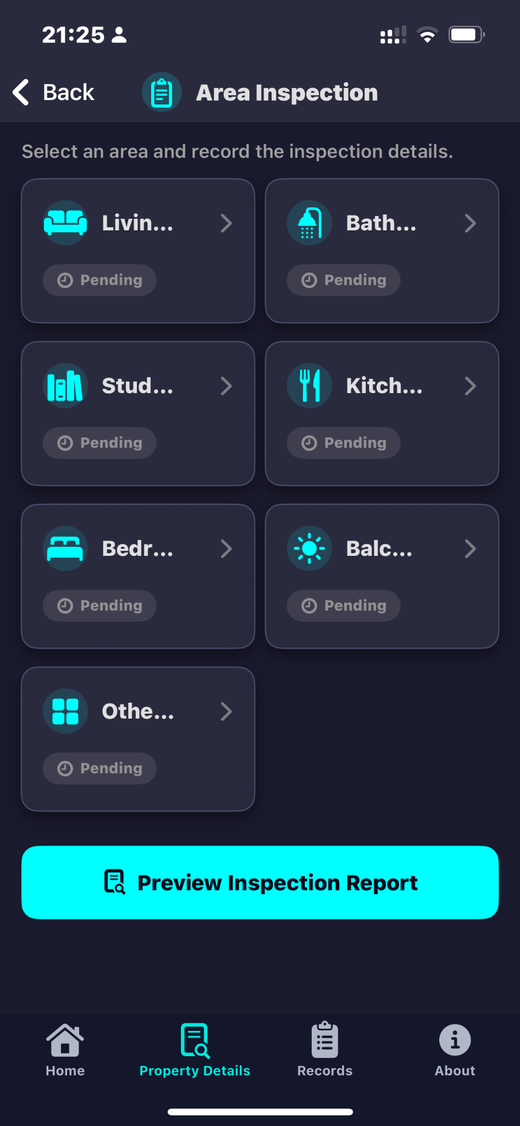
Check living room, bathroom, study, kitchen, bedroom, balcony, and other areas with clear status labels.
Issue records
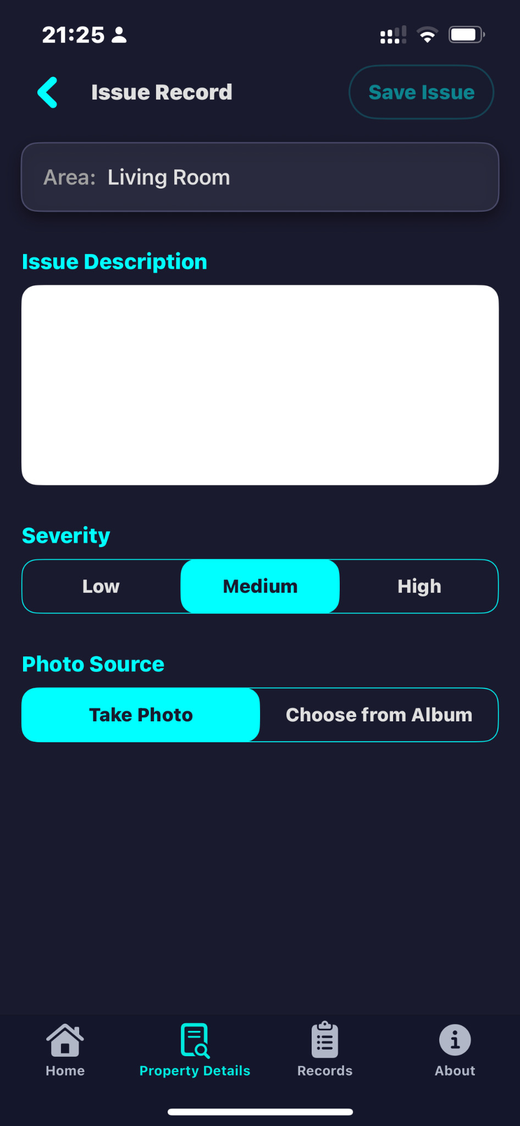
Add descriptions, severity levels, and photo evidence for issues found during the inspection.
Report preview
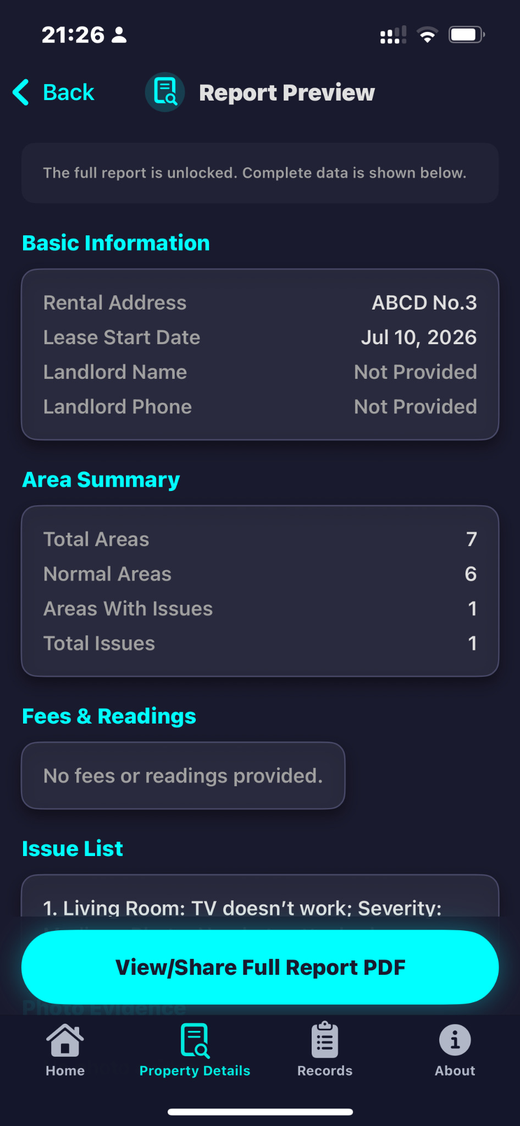
Review the inspection summary and issue list before generating the complete report.
Complete PDF
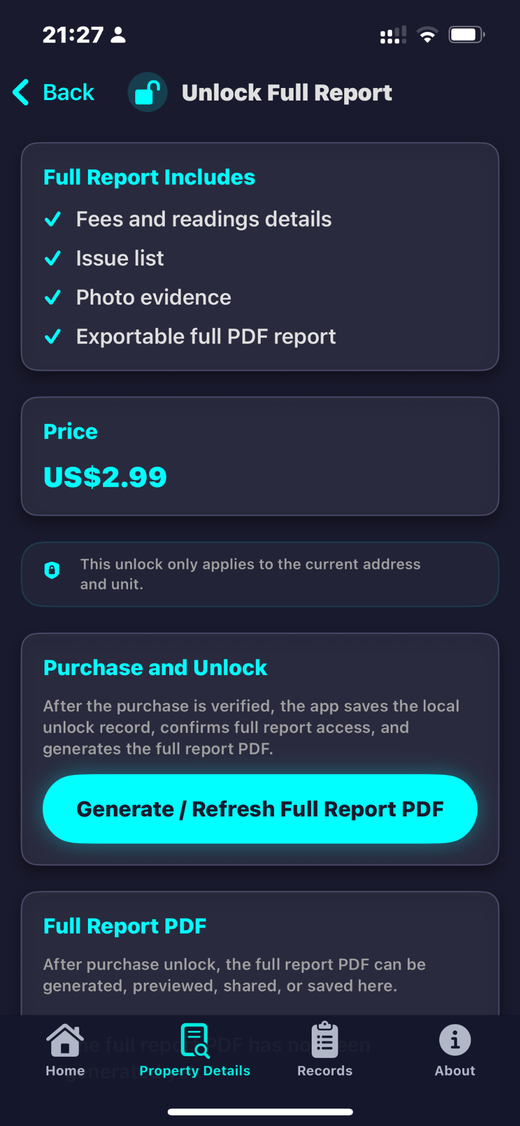
Unlock and generate a full PDF report that can be previewed, shared, or saved locally.
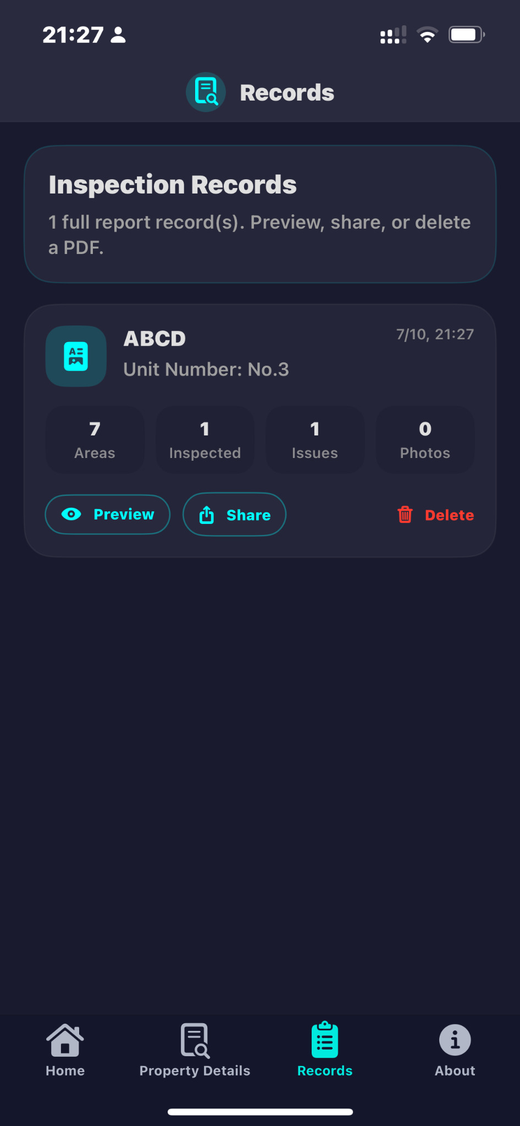
Records page
Keep full report records separated by property and access preview, share, and delete actions.
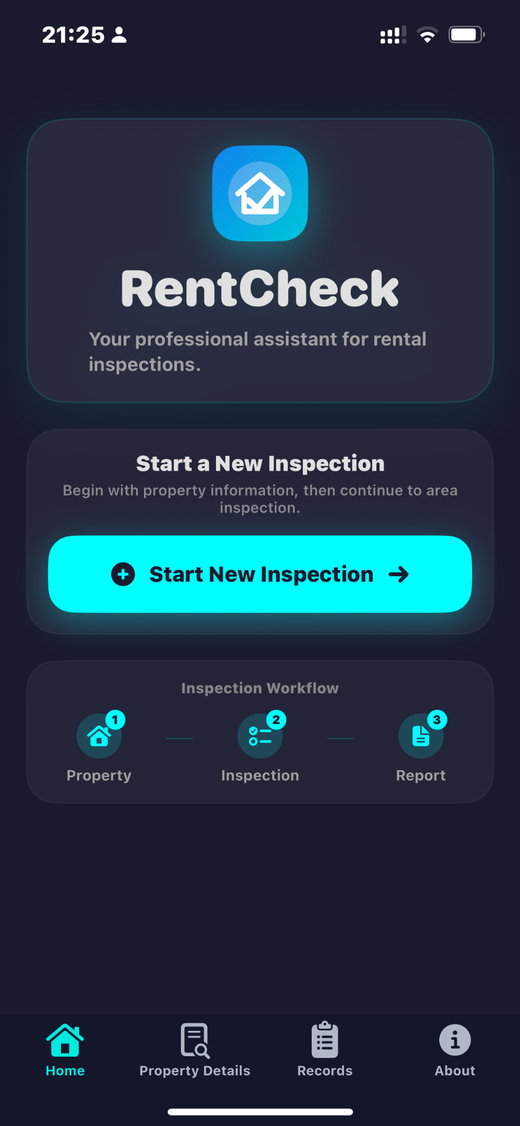
Simple inspection workflow
Designed for use at move-in, handover, or any rental condition check.
Start inspection
Create a new inspection record from the home screen.
Fill details
Enter property information and utility or fee details if available.
Inspect areas
Mark areas as normal or record issues with evidence.
Generate report
Preview, unlock, and export the complete PDF report.
What the full report includes
- Property information and unit number
- Utility readings and monthly fee details
- Area inspection summary
- Issue list with severity and descriptions
- Photo evidence where attached
- Exportable PDF report
Privacy-first design
- No account is required in the current version
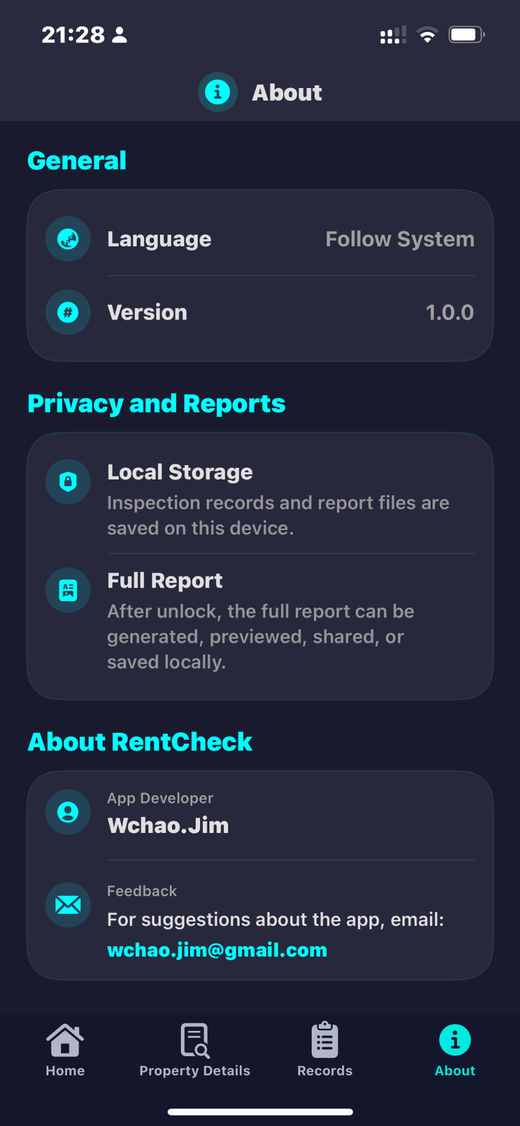
- Inspection records are stored locally by default
- No remote server upload is required for report generation
- In-app purchase is processed by Apple
- Read the Privacy Policy
App screens
Current English interface screenshots from Rent Check 1.0.
Complete report unlock
Unlocking a full report enables the complete PDF for the selected rental address and unit number.
The same address and unit only needs to be unlocked once. A different address or unit requires a separate unlock.
Actual price and currency may vary by App Store region.